

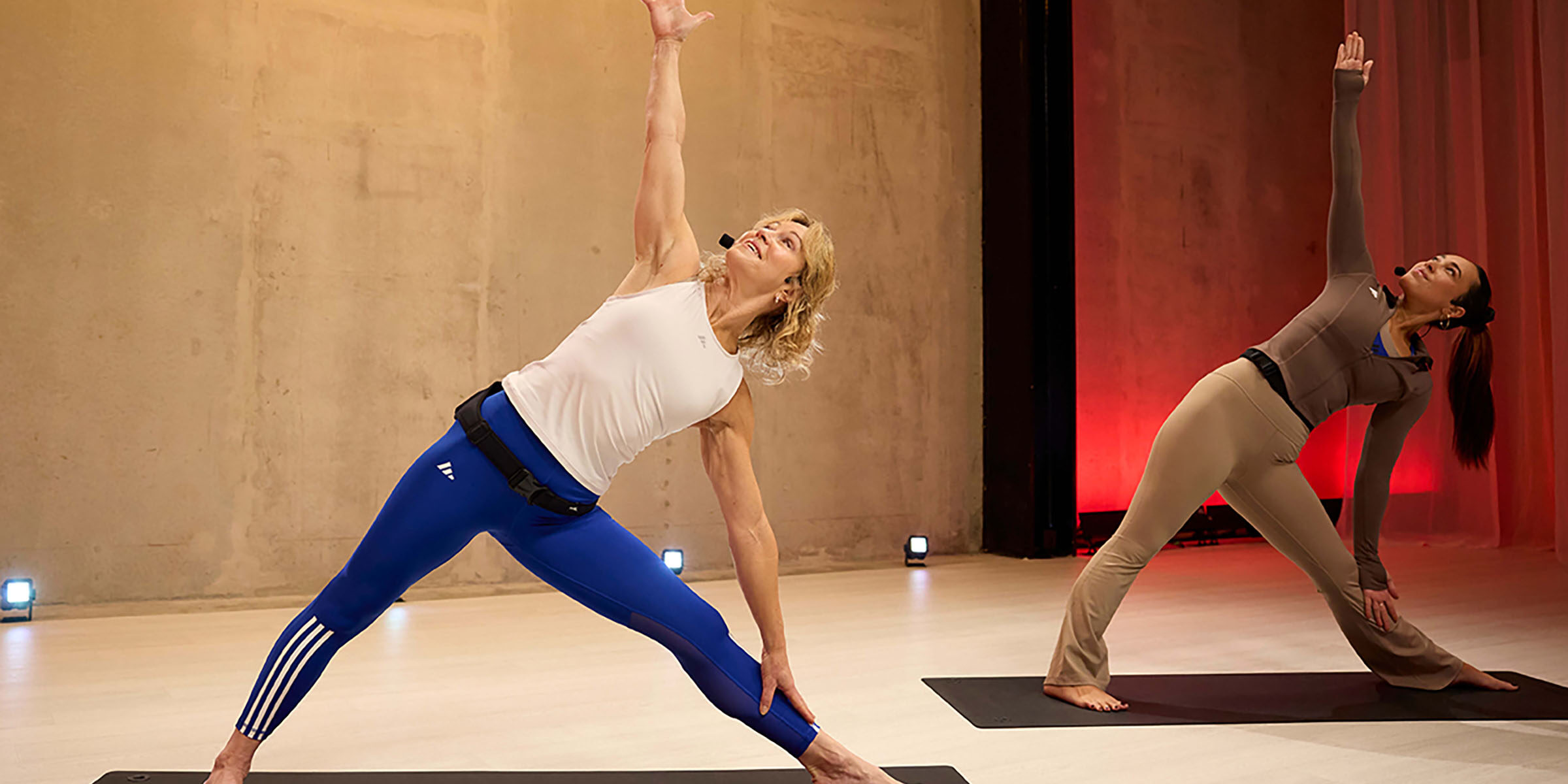
We are excited to share that LES MILLS workouts are now included with your membership and available on demand in our center mobile app, giving you access to a premium fitness experience anytime, anywhere.
What You Will Experience With LES MILLS
- More variety: Strength, HIIT, yoga, core and more.
- Complete programs: Including full releases of BODYPUMP™, BODYCOMBAT™, LES MILLS CORE™ and more.
- Smarter browsing: Easily find workouts by intensity, duration or trending options.
- Fresh content: New workouts are added regularly.
- World-class instruction: Led by top-tier trainers in a studio-quality format.
What’s Changing
As part of this upgrade, Move Virtual Fitness Classes is being replaced by LES MILLS workouts, providing a significantly more comprehensive and engaging on-demand workout experience.
How to Access LES MILLS in the App
Step 1: Open or Download the App
If you already have the center mobile app downloaded, simply open the app. If you do not have the app installed, search “URFitAP-Crosby” in the App Store or Google Play and download it.
Step 2: Log in
- Tap the person icon in the top-right corner of the app.
- Enter your username as your Login ID.
- Enter your password.
- Tap “Login.” (If you are logging in for the first time or do not remember your password, then follow the “Forgot Password/Username?”
Forgot Your Password?
- Tap the person icon.
- Select “Forgot Password/Username?”
- Enter your username.
- Follow the password reset instructions provided.
- Return to the app and log in using your new password.
For more information or help with your account, please call (407) 644-3606 or visit the Member Services Desk.